
Throughout the semester in my PRCM 4020 Style and Design class, a common theme was utilizing AI ethically, as a resource and way of enhancing our designs. As a class, we spent time discussing the right and wrong ways to use AI and then had the opportunity to take certification classes on Adobe’s AI software, and eventually incorporate those skills into our projects. Our second project of the semester was specifically focused on collaborating with AI to create a design.
My overall concept for this project was to create a branding kit for a branch of Daily Drills called Behind the Seams. This branch of the preexisting brand was something I developed when reading blog posts on the company’s website about sustainability with the production of their products. In my first project of the semester, I built out a mock website & blog post for Behind the Seams.

Within the brand kit I created for Behind the Seams, I used AI in a few different ways. The first was to generate the exclamation mark that is part of the logo. I first used the AI feature within Adobe Illustrator to generate the exclamation point, then I used the pen tools to trace the object, adjust the shape, and change the color. I chose to include this in the logo for Behind the Seams because Daily Drills consistently incorporates exclamation points into their logos and designs.
The next use of AI was in Photoshop where I generated the cream colored, textured background for the document. For this element, I made simple adjustments to the size and opacity to add interest to the brand kit, without distracting from the design elements and overall message.

My third use of AI within the project was used to generate the sample images of clothing and product inspiration. I began with the prompt “create a brand kit graphic for a behind the scenes look into a clothing company and include colors, fonts, and design elements.” With this, I was expecting a very straightforward graphic, similar to what I created, that clearly laid out each of the elements in the prompt. Instead, the AI generator created a realistic style image that included fabric, yarn, pieces of clothing, fabric swatches, and zippers. From this, I decided to use the eraser tool and quick selection tool to cut out the specific elements I wanted to include in my design. Then, I used the spot healing brush to clean up the random brush strokes that were generated, and overall make the elements look realistic. Ultimately, I went back to AI and used it to generate several other images of different clothing samples to use as inspiration/mock up pieces.
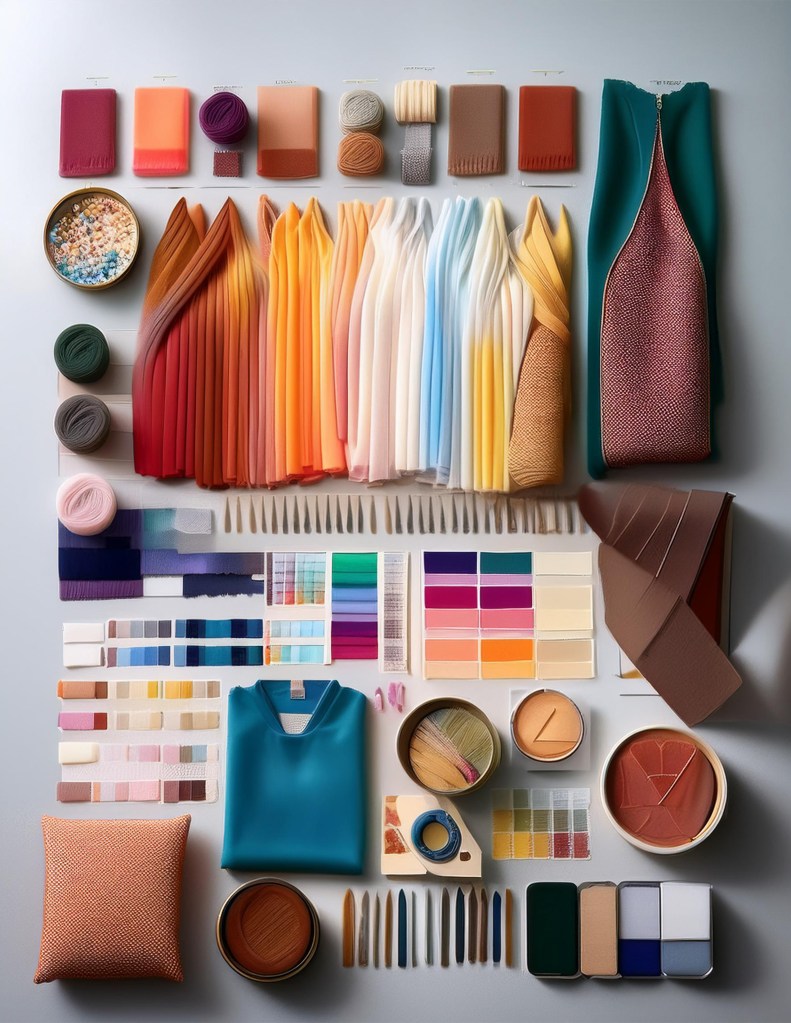
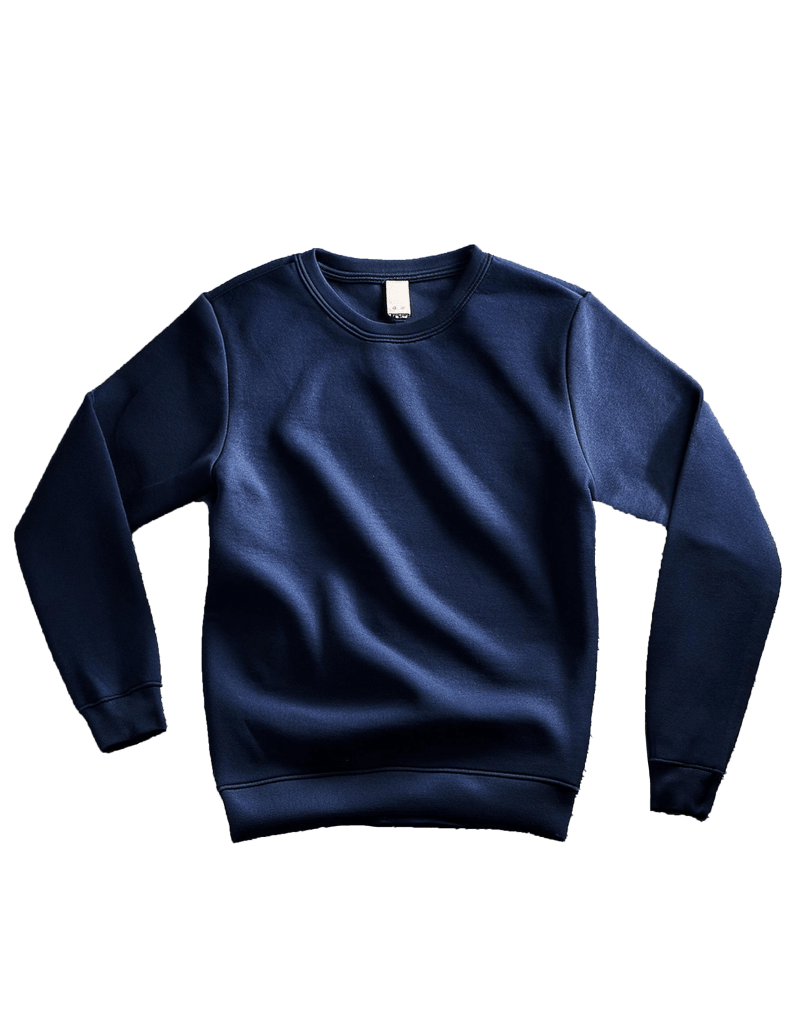
Overall, I learned a lot about how to strategically word my prompts to create exactly what I envisioned. I learned how to use reference photos and describe the exact style I was looking for to create more accurate images and design elements. My use of AI was concentrated in Photoshop because I found that it generated the results closest to what I was looking for, and created images that were more realistic than what was produced within Illustrator. Each element I created with AI was useful for the final version of the project because it gave me full control of the overall feel of the design, instead of relying on generic stock photos that only partially captured what I was envisioning.
After working with AI, I can see the benefit of using it. I can see potential for using it as a source of inspiration for a design and I do believe AI can help enhance our traditional stock images to create things that look more natural and realistic. The most impactful limitation I faced was within the wording of the prompts for AI. I struggled with learning how to control the outputs and faced frustration when the generated image wasn’t exactly what I pictured. These limitations were solved throughout the project with time, patience, and practice.
In the future if I were to work with AI, I would use it in a project that had a lot of room for creativity. I can see a lot of possibilities with AI in the design world, and I would be curious to explore those opportunities more in the future. For this specific project I would keep my general methods the same: generating images and adjusting the prompt until I was happy with the results, incorporating manual tools to adjust the background, coloring, and odd shadows and lines.
 lylaedwards.com
Leave a comment